Table of Contents
Toggle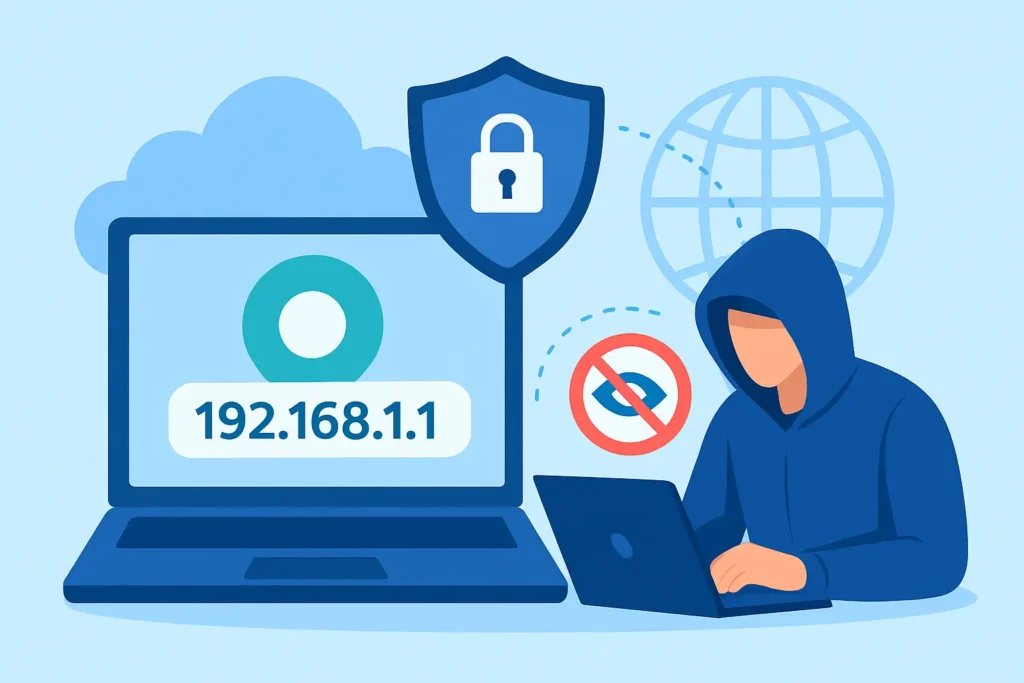
It tells websites, apps, and services where you’re connecting from. If you want more privacy online, learning how to hide your IP address is an important step.
In this guide, we’ll explain what an IP address is, why you may want to hide it, and whether private browsing or incognito mode helps.
What Is an IP Address and Why Hide It?
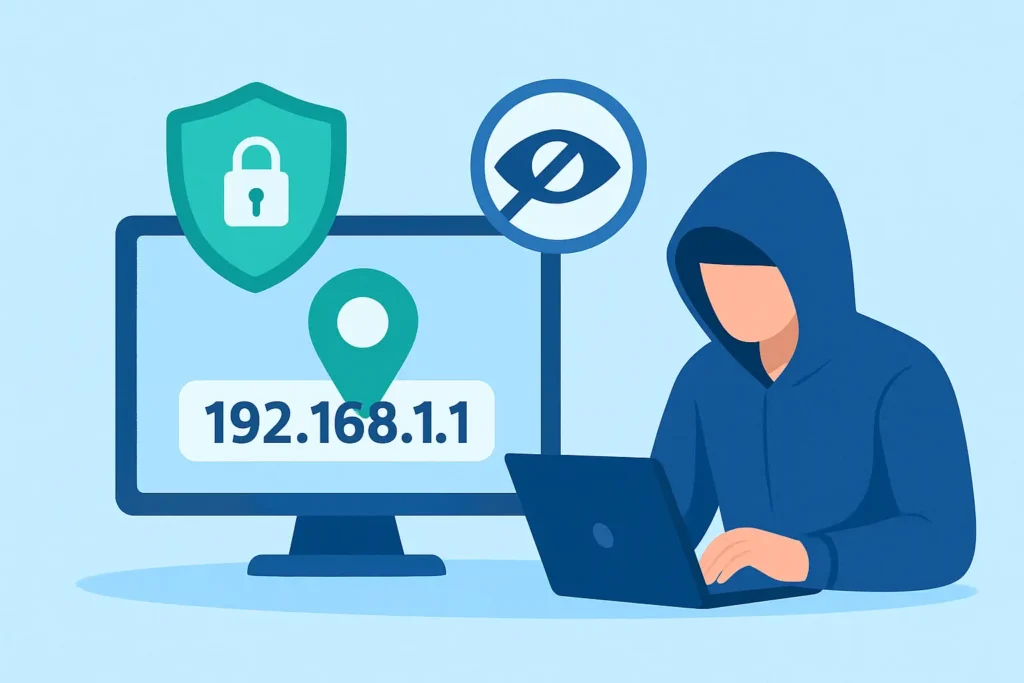
You might want to hide your IP address if you want to:
- Browse the internet privately
- Avoid tracking by websites
- Access region-restricted content
- Protect yourself on public Wi-Fi
Let’s look at whether private browsing can help.
Does Private Browsing Hide IP Address?
A common misunderstanding is that private browsing increases anonymity. But does private browsing hide IP?
No. Private browsing only stops your browser from saving history, cookies, and autofill data. It does NOT:
- Hide your IP
- Hide your identity
- Encrypt your connection
- Protect you from websites tracking you
So, private browsing is useful for local privacy, but not for true anonymity.
Does Incognito Hide IP?
Another popular question is: does incognito hide IP?
Again, the answer is no. Incognito mode works the same way as private browsing. It stops your browser from storing your local data, but your:
- IP address
- Location
- Internet activity
…can still be seen by your ISP, websites, and network owner.
If you truly want to hide your IP address, you need different tools.
Best Ways to Hide Your IP Address
1. Use a VPN (Fastest & Safest Method)
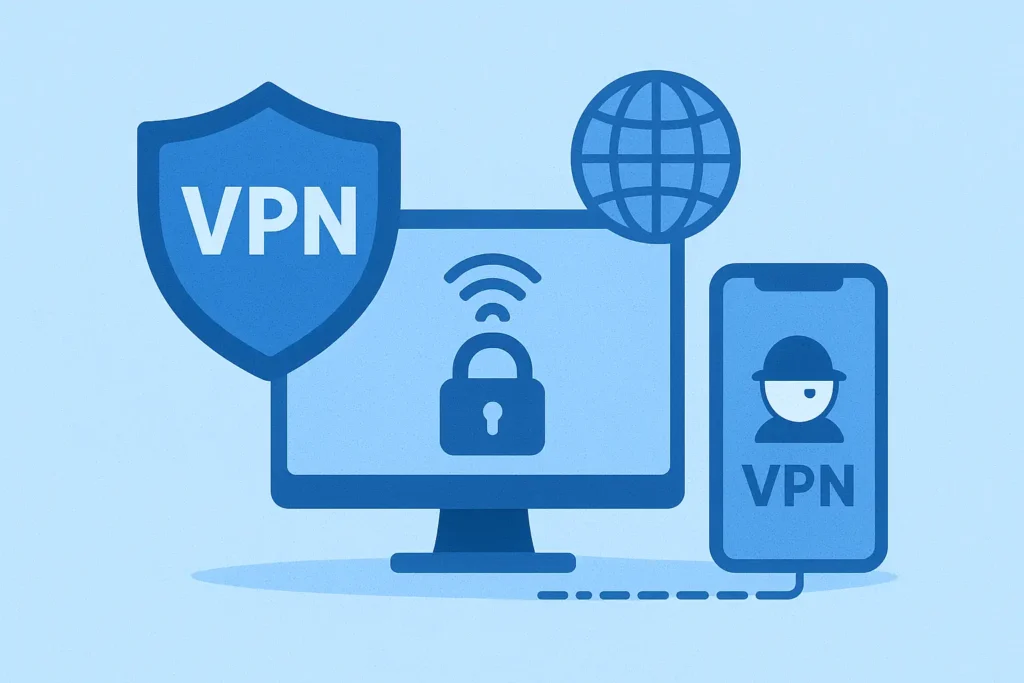
A VPN (Virtual Private Network) replaces your real IP address with a new one from its server.
Benefits:
- Hides IP completely
- Encrypts all internet traffic
- Works on phones, laptops, Wi-Fi, and mobile data
2. Use a Proxy Server
3. Use Tor Browser
4. Use Mobile Data
Final Thoughts
If your goal is online privacy, you now know that:
- Private browsing does NOT hide IP address
- Incognito mode does NOT hide IP
- Only tools like VPNs, proxies, or Tor can hide your real IP address
By using the right method, you can browse the internet more safely and protect your personal information from unwanted tracking.